
Appearance
Melody and pitch
Besides the beat, the app follows the tune: it estimates the pitch of the most prominent melodic line — a voice, a lead synth, a solo — and how much of each of the 12 notes is sounding.
How it works, and its limits
Perfectly pulling one instrument out of a mix isn't possible in real time, so this is an informed estimate:
- The bass region is set aside, and broadband sounds like drums and noise are flattened, so tonal notes stand out.
- Each possible note from A2 to C7 is scored by how well its harmonics line up in the sound; the best one is the melody note, refined to a fraction of a semitone.
- A note has to hold steady for a moment before it counts, so drum hits don't register as notes.
- Alongside the melody, a 12-note chroma profile measures how much C, C♯, D … B are sounding — which describes the chord.
It works best with a clear lead line. In dense or very harmonic passages it's less sure, and the visualizations dim to match its confidence. Pure percussion shows no melody at all.
Colours for notes
The melody visualizations colour each note by going once round the rainbow per octave: C is red, then orange, yellow, green, cyan, blue and violet up to B. The same note is always the same colour, so a tune makes a repeating colour pattern. Each one can use your palette instead: set Colours to Palette by note.
The melody visualizations
| Visualization | What it shows |
|---|---|
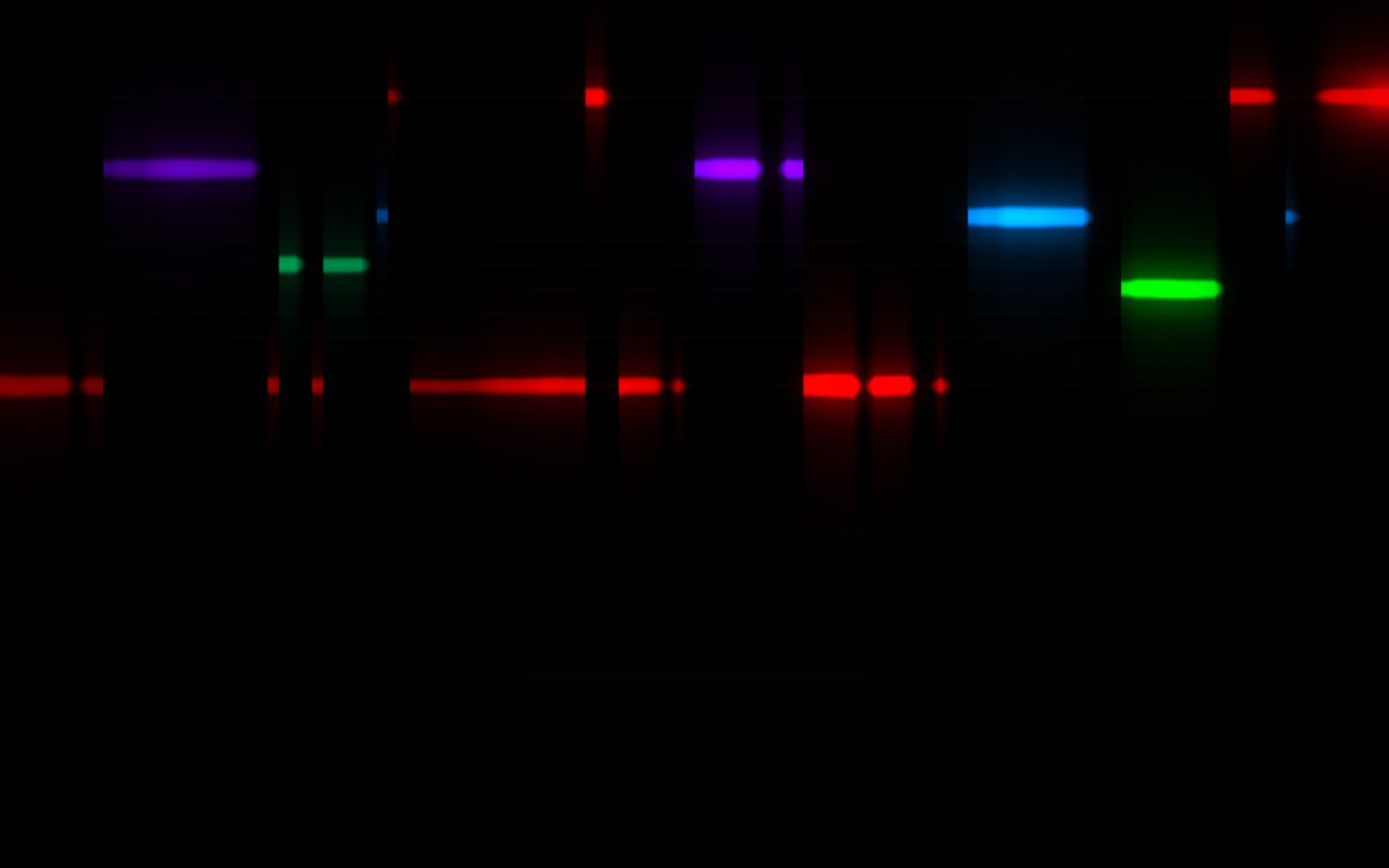
| Melody Ribbon | The last few seconds of the melody scrolling past like a piano roll: higher notes higher, each in its colour, thicker when the pitch is clear. Choose the lowest note and how many octaves to show. |
| Note Rings | Each note ripples outward from the centre as a ring of its colour, so the screen fills with the colours of the tune. A soft wash shows the chord underneath. |
| Chroma Wheel | The 12 notes around a circle — in order, or as the circle of fifths — each segment growing with how much of that note is sounding, with a needle on the melody note. |
| Chord Colours | A drifting wash of the colours of the notes being played, so every chord has its own blend; the melody note shines through. |
The ribbon and the wheel are drawn on black, so they layer well over another visualization. See the visualization reference for every control.
Making anything follow the tune
Three modulation sources let any control follow the melody:
- Melody pitch (low → high) — rises as the tune climbs.
- Melody note (C → B) — the note within the octave, whatever the octave.
- Melody clarity — how clearly a melody is heard.
For example: in Laser Haze, press ~ next to Spread and choose Melody pitch, so the fan opens as the tune climbs. See Modulation.