
Appearance
Modulation: making things move
Any slider can move by itself: with the beat, with the music, or with a knob. Visualizations already react to the sound on their own; modulation lets you decide exactly what else moves, and how.
Oscillate
The quickest way. Press next to a slider and the value starts swinging back and forth around where you set it, in time with the beat. Press again for its settings:
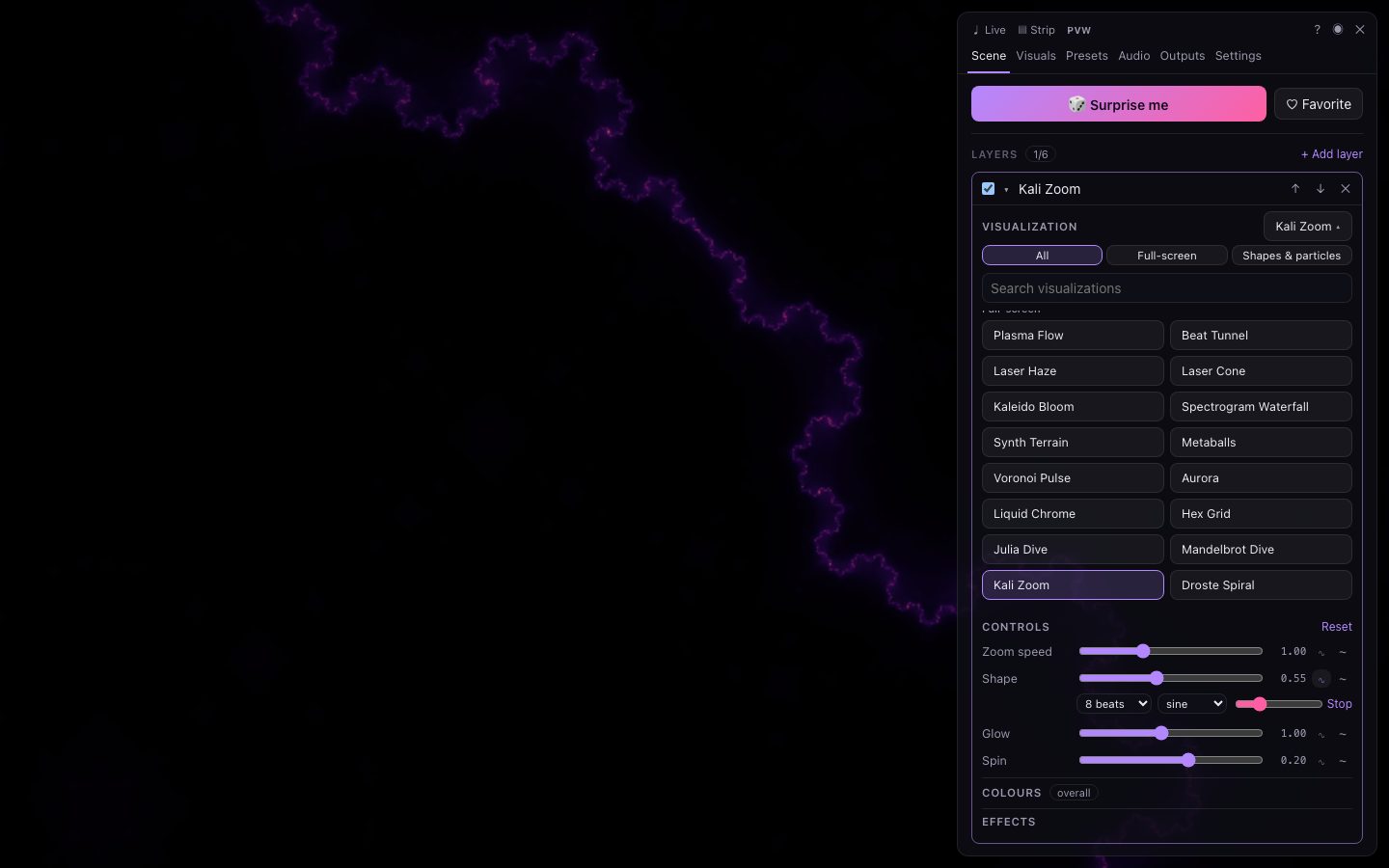
| Setting | What it does |
|---|---|
| Speed | One swing every 1, 2, 4, 8, 16 or 32 beats. |
| Shape | Sine (smooth), triangle, saw (ramp), square (jump between two values) or random (a new value each cycle). |
| Depth | How far it swings. |
| Stop | Remove the oscillation. |
The slider itself still sets the centre of the swing, so you can move it while it oscillates.
Modulate (~)
For full control, press ~ next to a slider, then + Add modulation. Each has:
| Setting | What it does |
|---|---|
| Source | What drives it — see below. |
| Curve | How the source maps to movement: linear, exp (gentle then sudden), log (sudden then gentle), S-curve, steps, or inverted. |
| Amount | How far it can push the value, as a share of the slider's range — negative to push it down. |
| Attack / Release | Smoothing as the source rises and falls (in milliseconds): short for snappy, long for flowing. |
A control can have several modulations; they add up. The Modulations & LFOs section of the Scene tab lists every modulation in the scene, and the ~ button shows how many a control has.
Sources
- Audio — overall level, bass, mids, treble, each of 8 frequency bands, onsets (hits), brightness of the sound, and the melody.
- Beat — a pulse on every beat, ramps over the beat, half-beat, quarter-beat, bar and phrase, a sine on the beat, an anticipation ramp just before each beat, and a random value per beat.
- LFO — the scene's four LFOs, and the own oscillator uses.
- Mood — energy, intensity, brightness of mood, build-up and drops.
- Other — a very slow drift.
- MIDI — any knob or fader you've moved, once MIDI is on.
See the complete list.
LFOs
Under Modulations & LFOs → LFOs, the scene has four LFOs (low-frequency oscillators) that any modulation can use as its source. Each has a shape (sine, triangle, saw, square, random) and a rate, either in beats per cycle (locked to the tempo) or in Hz. Using one LFO for several controls keeps them moving together.
What can be modulated
Every slider in a layer (including its opacity, its own effects and its own hue shift), every overall effect, the overall hue shift, and the master intensity. Modulations are part of the scene, so they're saved in presets and share links.
Recipes
- Breathing kaleidoscope — Overall effects → Mirror & kaleidoscope → Mode Kaleidoscope, then on Segments at 16 beats.
- Bass punch — ~ on a layer's Opacity or size with source Bass, amount 0.4, attack 5 ms, release 150 ms.
- Colour drift — on Hue shift at 32 beats, triangle.
- Build-ups — ~ on Trails amount with source Build-up, so trails grow as the music builds.
- Hands-on — with MIDI on, press M next to any slider and turn a knob. See MIDI.